Installing Homing Switches

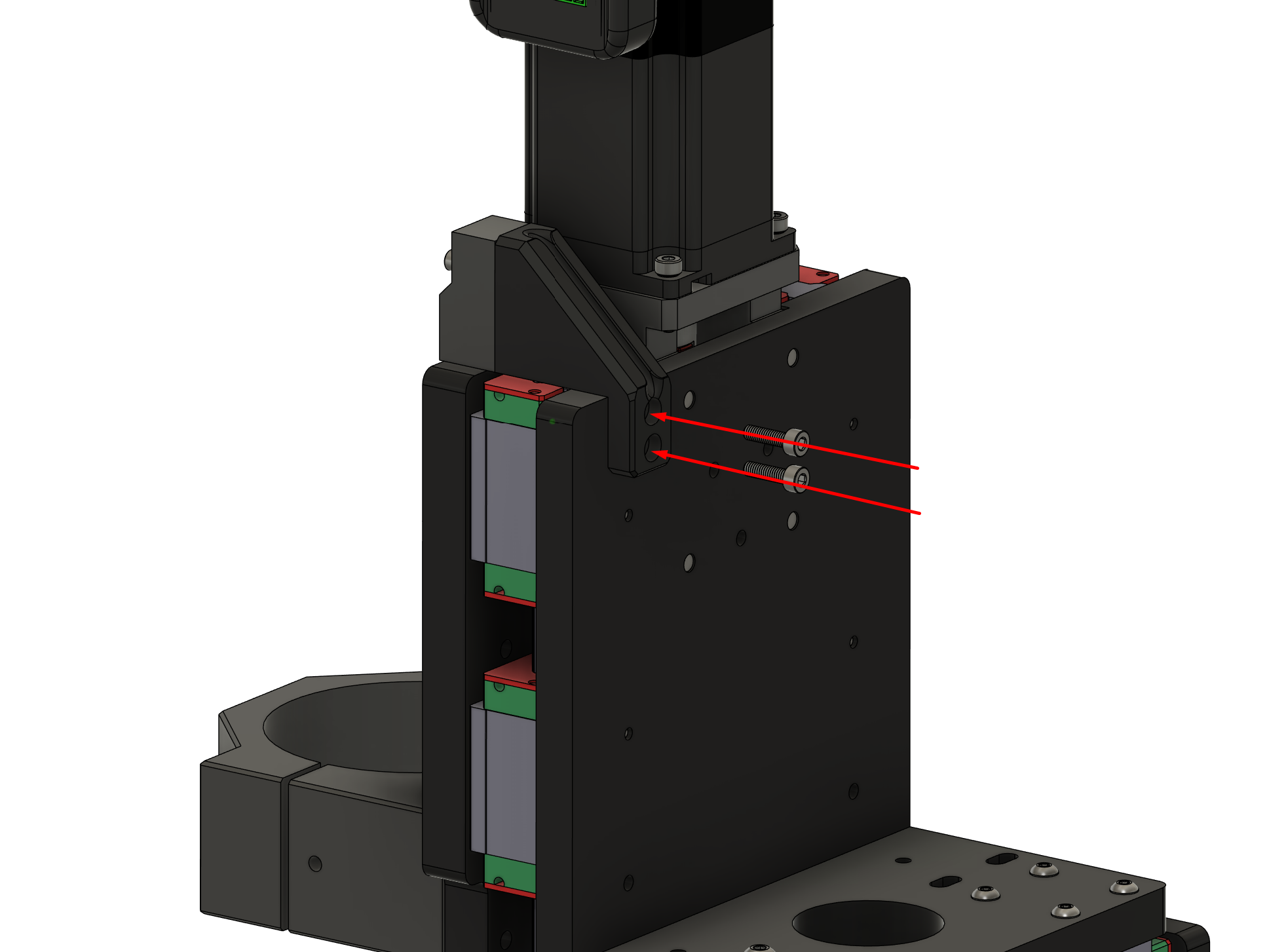
The X homing switch is installed onto the X carriage and travels with it. It is mounted to a 3d printed base-plate which allows you to adjust the sensor left or right as needed.
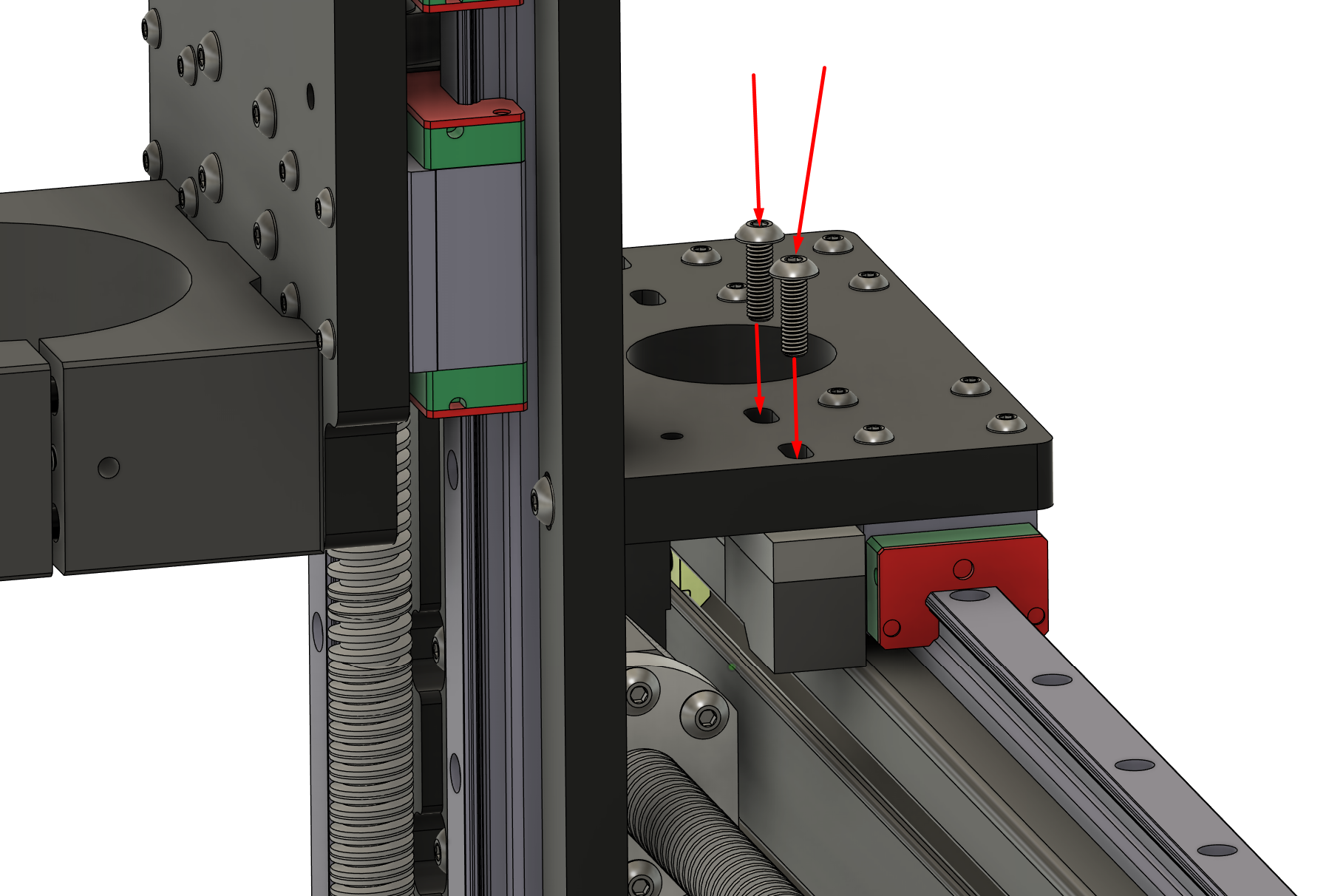
Installing the X homing switch is installed using a few screws through the horizontal X plate.
Run the wire up through the large circular hole in the middle of the plate and let it sit for a later step.
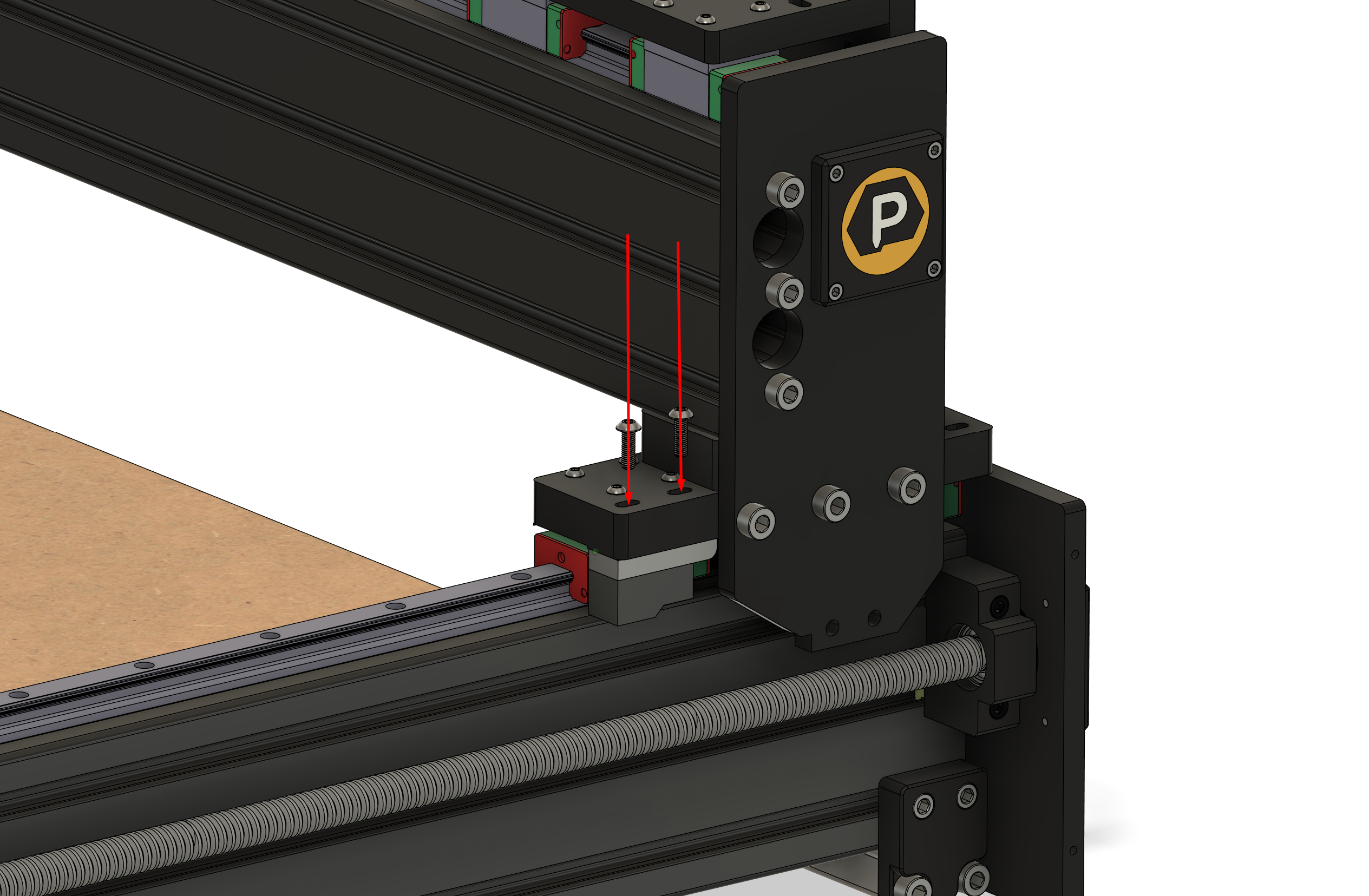
The Y homing switches are mounted onto each side of the gantry and travels with it.
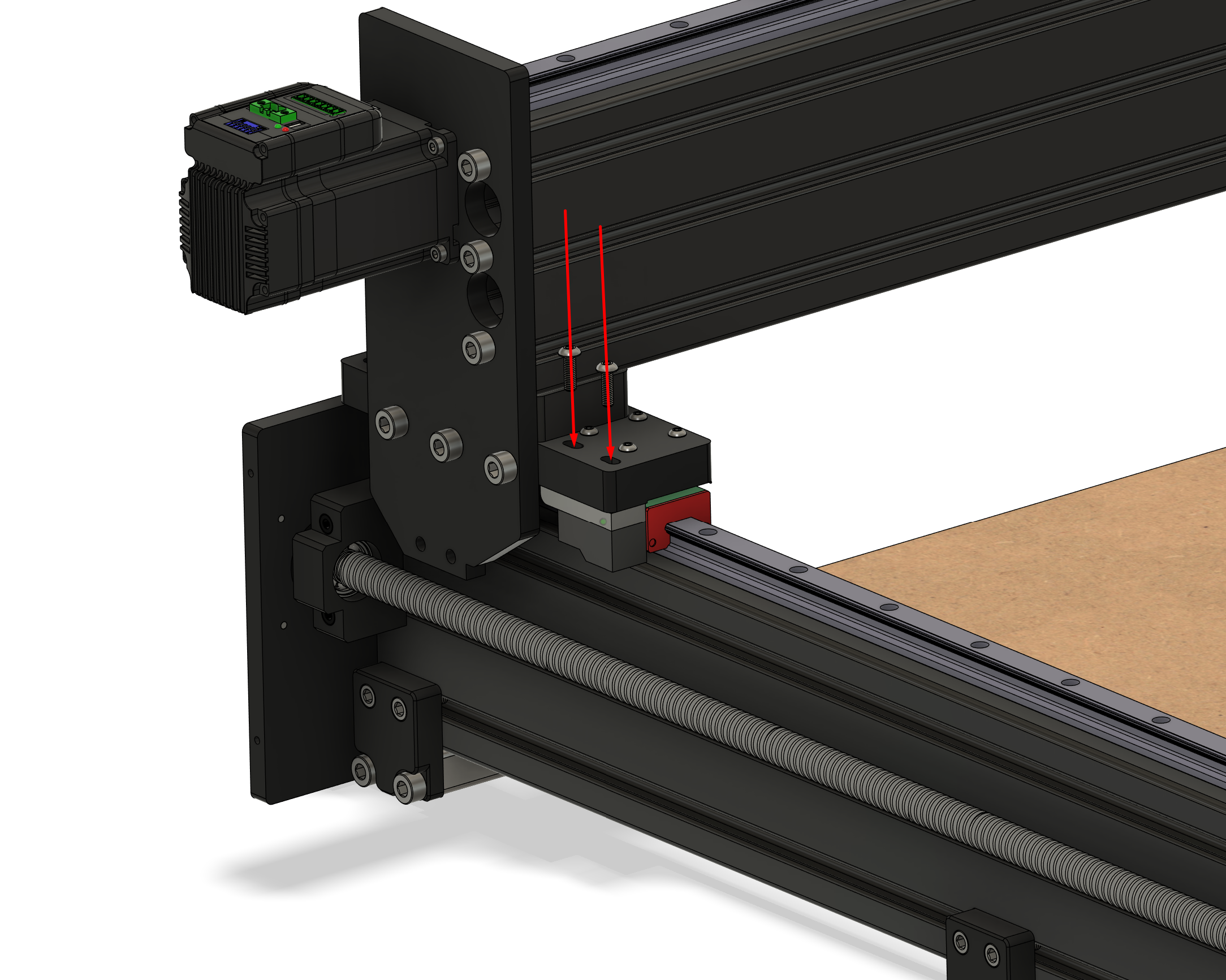
The Z homing switch is mounted over the right shoulder of your Z-Carriage. It is attached with two screws: